 Millworker
Help / Features
 Stop Shoulder
Part
Stop a dado short of the panel end, and notch the part running in it to suit.
Set up
- A part with a through dado (from Dado Join, say) that should stop short of the front edge so it does not show.
- Click Stop Shoulder.
- Click a face of the dado (its floor or a side).
- Click the panel's end face the dado runs out at.
- Set Shoulder (starts as
MW_ShoulderLength, 3/4″). - Apply or OK.
Screenshot placeholder
images/stop-shoulder-preview.png
1600 × 900 px
Close view of a cabinet side's front edge with a dado running out; Stop Shoulder previewing the filled shoulder in red and the shelf's notch extra length in orange.
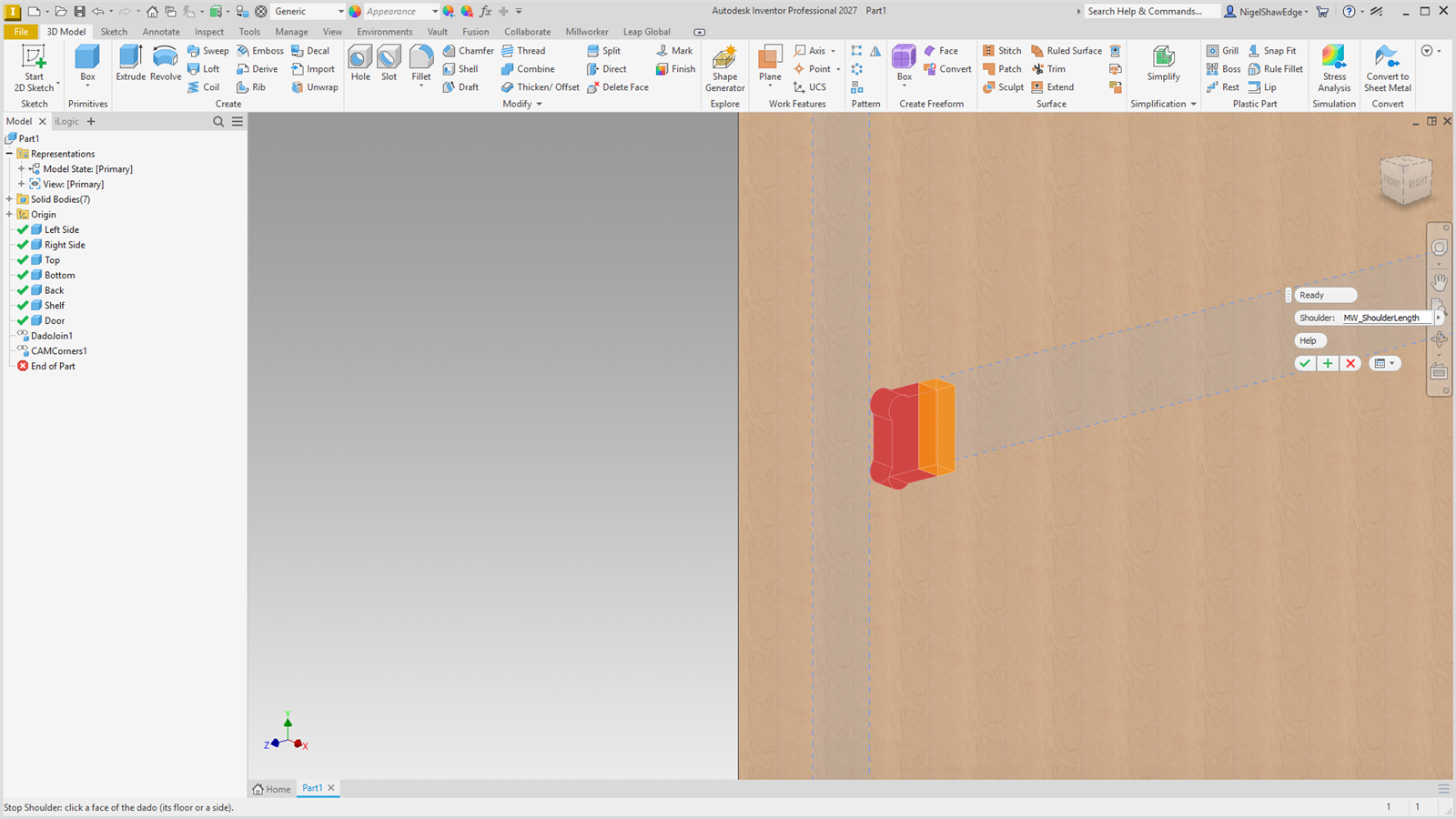
The dado is filled that far in from the end, and any part running in the dado there is notched to suit. The notch is longer than the shoulder by CAM_RADIUS × 1.5, so the cutter's round end clears it. Parameter: MW_Shoulder#_Length.