 Millworker
Help / Features
 CAM Corners
Part
Dog-ear the square inside corners a round CNC cutter cannot reach, so square parts fit.
Set up
- A part with slots, notches, pockets or halvings that will be cut on a CNC router.
- Click CAM Corners.
- Click the panel faces the cutter comes in from (several; click one again to take it back). Every square inside corner running from that face previews in red.
- Check the Radius (the part's
CAM_RADIUS, 1/8″, for a 1/4″ cutter). - Apply or OK.
Screenshot placeholder
images/cam-corners-preview.png
1600 × 900 px
Close view of a panel with a notch and a stopped slot, CAM Corners previewing red dog ears in every inside corner.
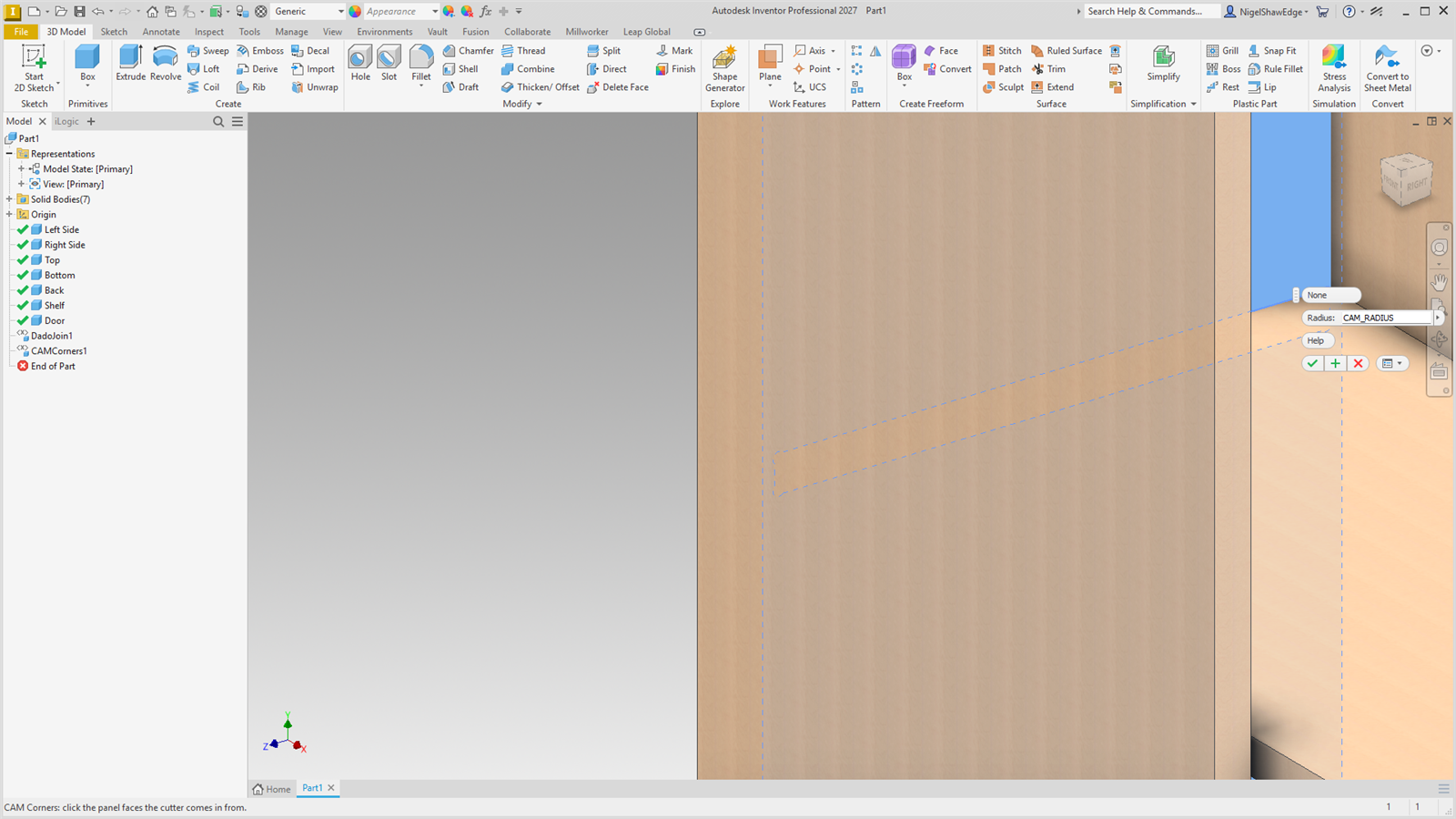
Each dog ear is a round cut of the radius, its centre the radius from the corner into the open side, so it runs through the very corner. A pocket's floor is not cut into. One node per face; double-click it or change MW_DogEars#_Radius to change it. Dado Join, Halving and Stop Shoulder add CAM Corners for you.