 Millworker
Help / Fasteners
 Pocket Screws
Part
Angled pocket holes in the butting panel, coming out of its end into the side.
Set up
- A side and butting panels (a face frame, a stretcher, a back rail).
- Click Pocket Screws.
- Pick the side's inside face and its front edge.
- Pick the face of each butting panel the pockets go in, usually its hidden face.
- Apply or OK.
Screenshot placeholder
images/pocket-screws-preview.png
1600 × 900 px
A rail butting a stile, the rail's hidden face picked, red angled pocket previews coming out of the rail's end.
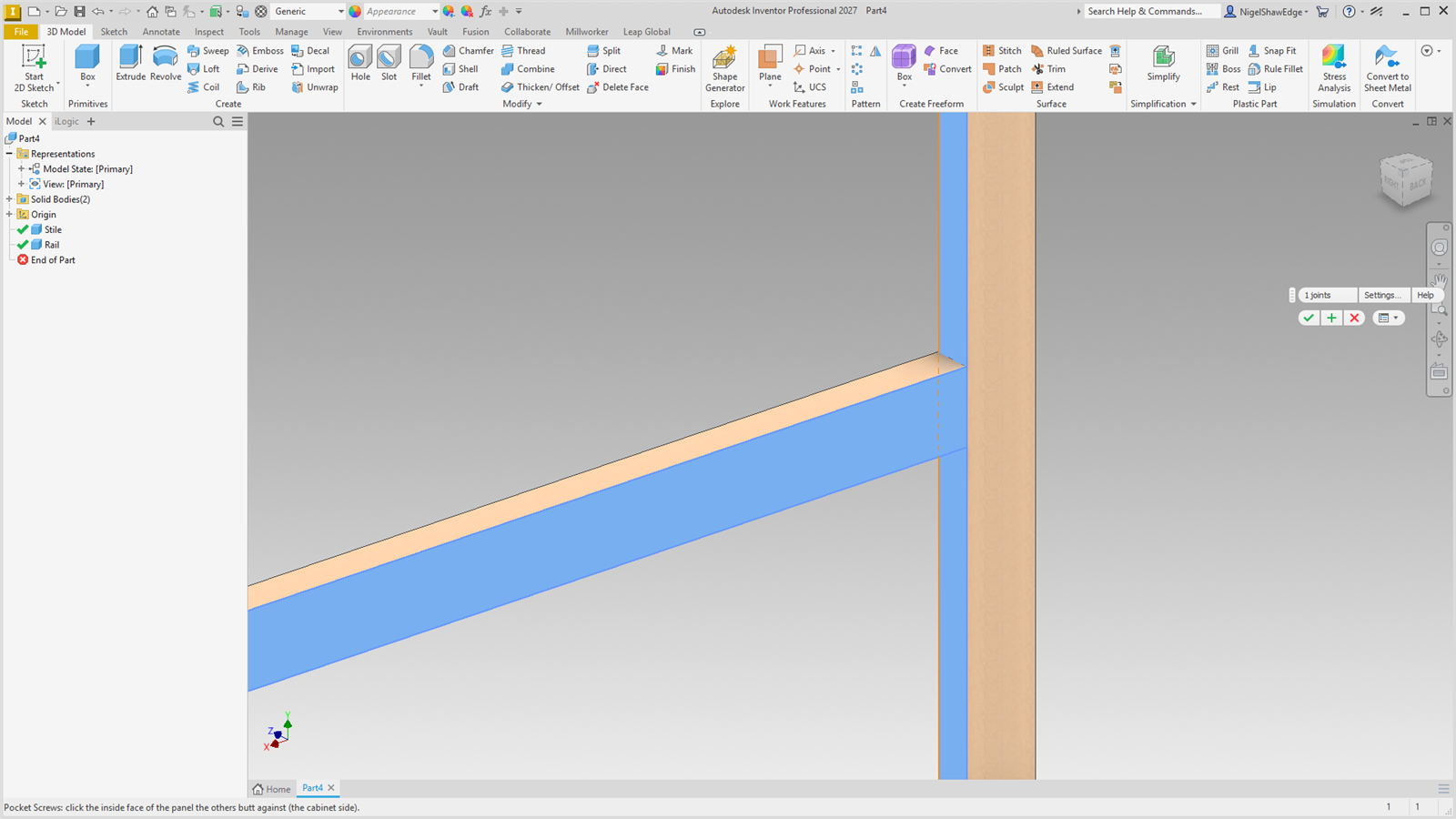
Each pocket is angled 15° to the face and comes out of the panel's end at Centre from inside face. It is a 9.5 mm (3/8″) pocket stepping to a 4 mm pilot 12 mm before the end. The pockets sit on a hidden work plane, so changing the angle or distances moves them. Layout as for Confirmat.